Simple PDF OCR
Ever tried to copy, extract, search or highlight the text in a PDF, and found you couldn’t? Simple PDF OCR fixes that, right on your iPhone, iPad or Mac.
Coming soon to the App Store
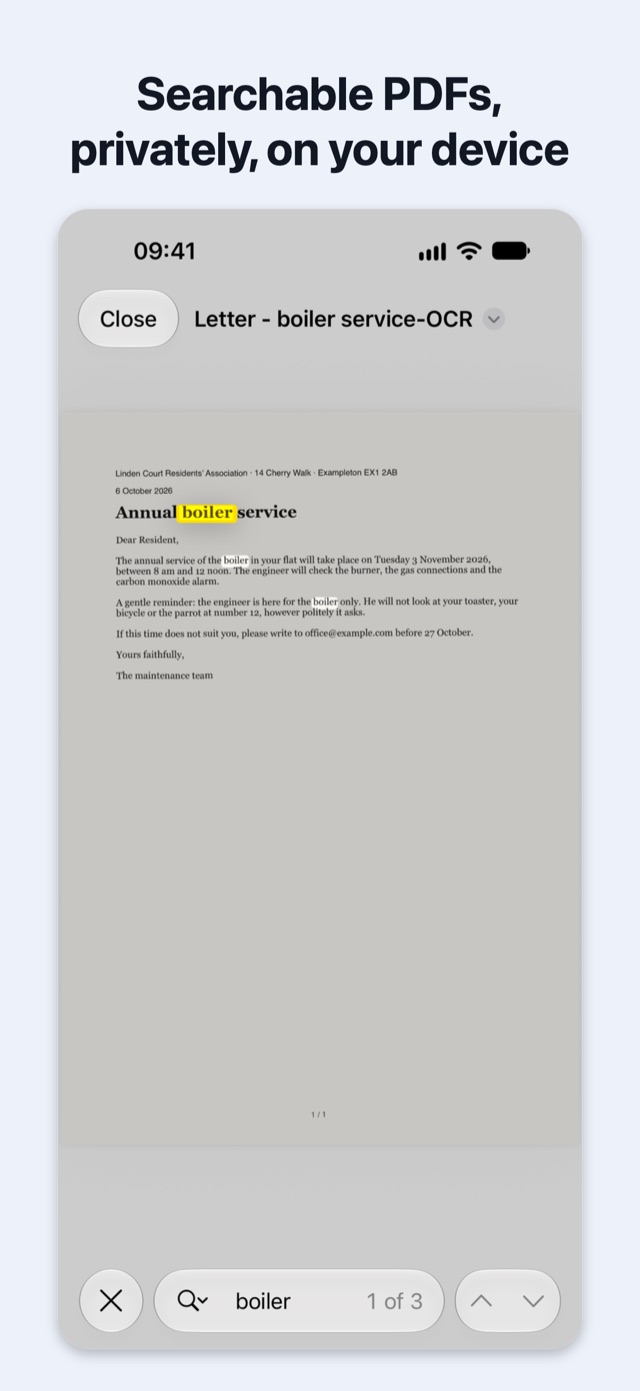
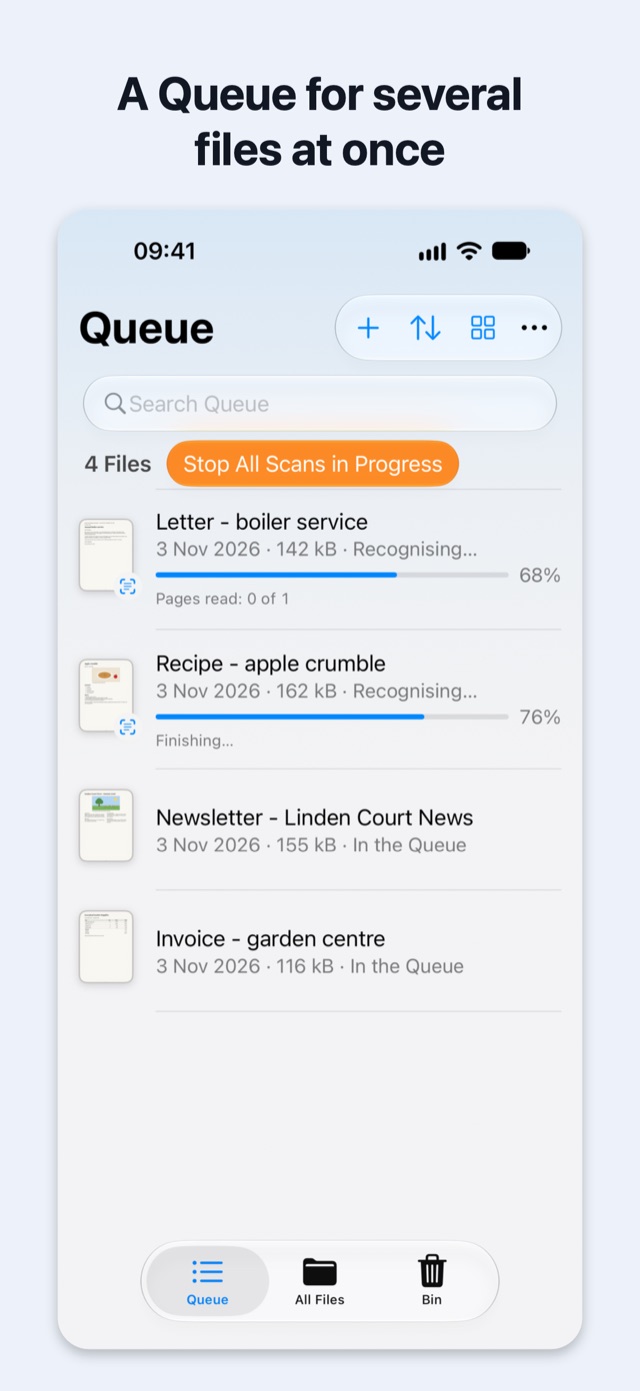
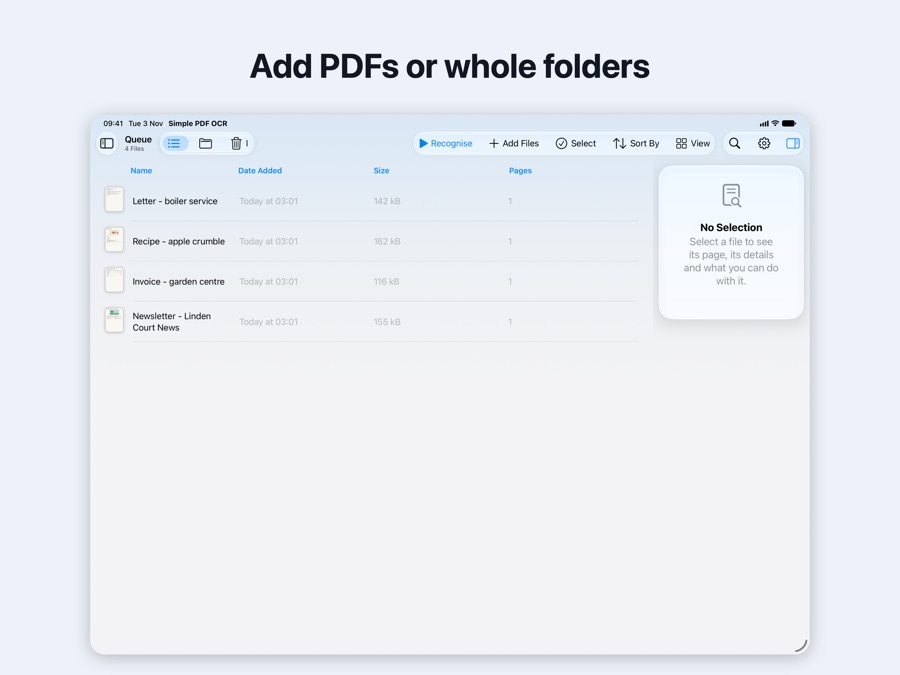
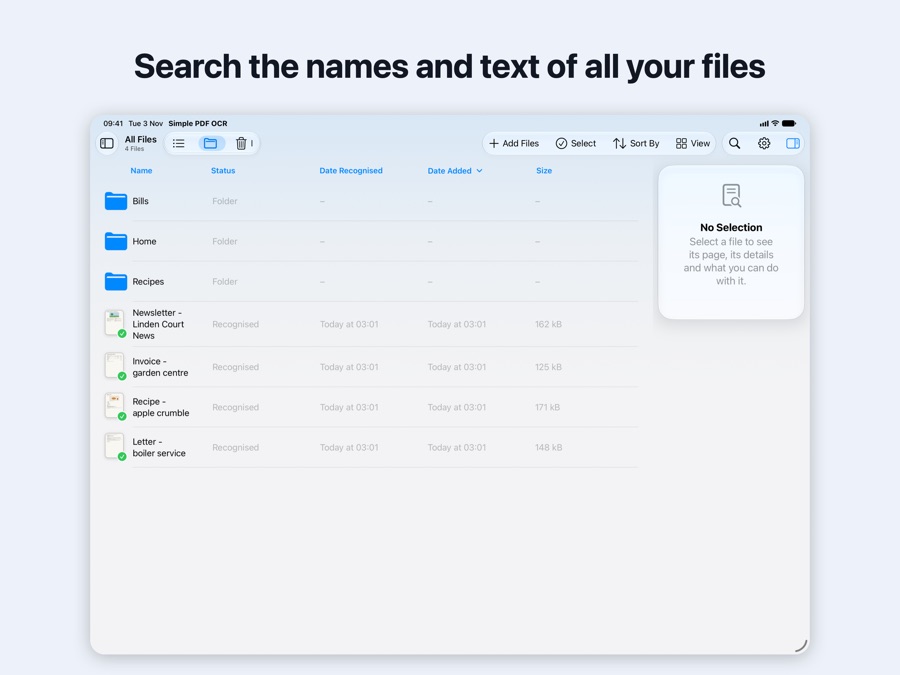
Add PDFs or whole folders, or send them from another app, then tap Recognise. The app reads the text and tables on each page and adds an invisible text layer, so you can search, select and copy it, while every page looks exactly as before.
iPhone
iPad
What it does
- Search, copy and highlightThe text and tables on every page become text you can search, select, copy and highlight, while the pages look exactly as before.
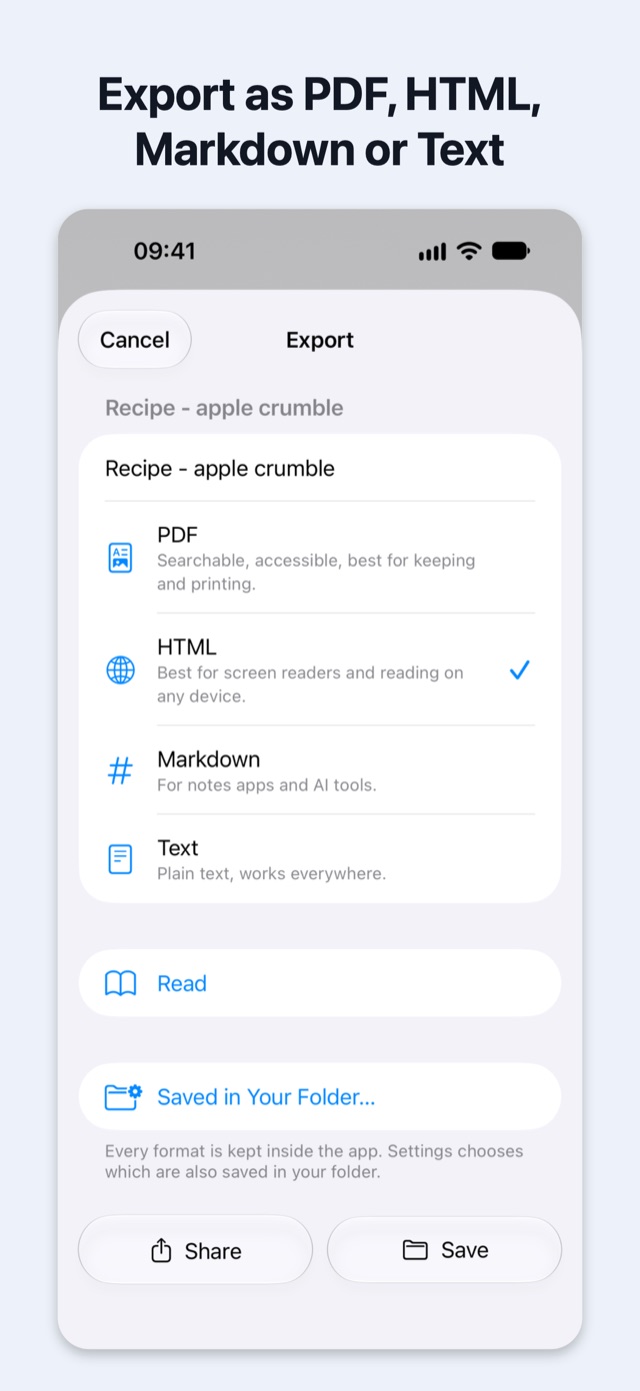
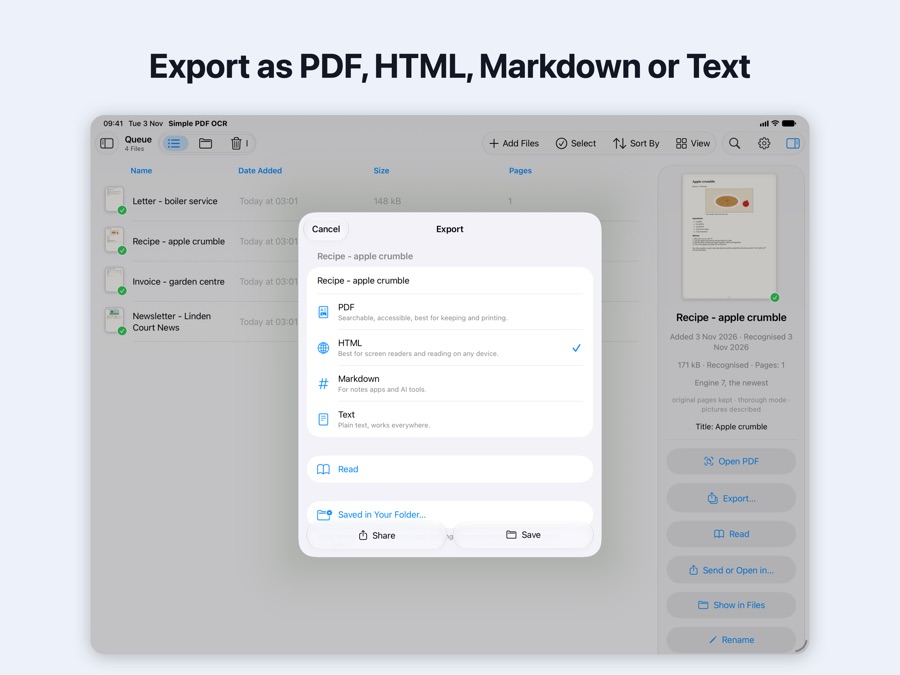
- ExportAs PDF, HTML, Markdown or Text: one file, a selection or whole folders.
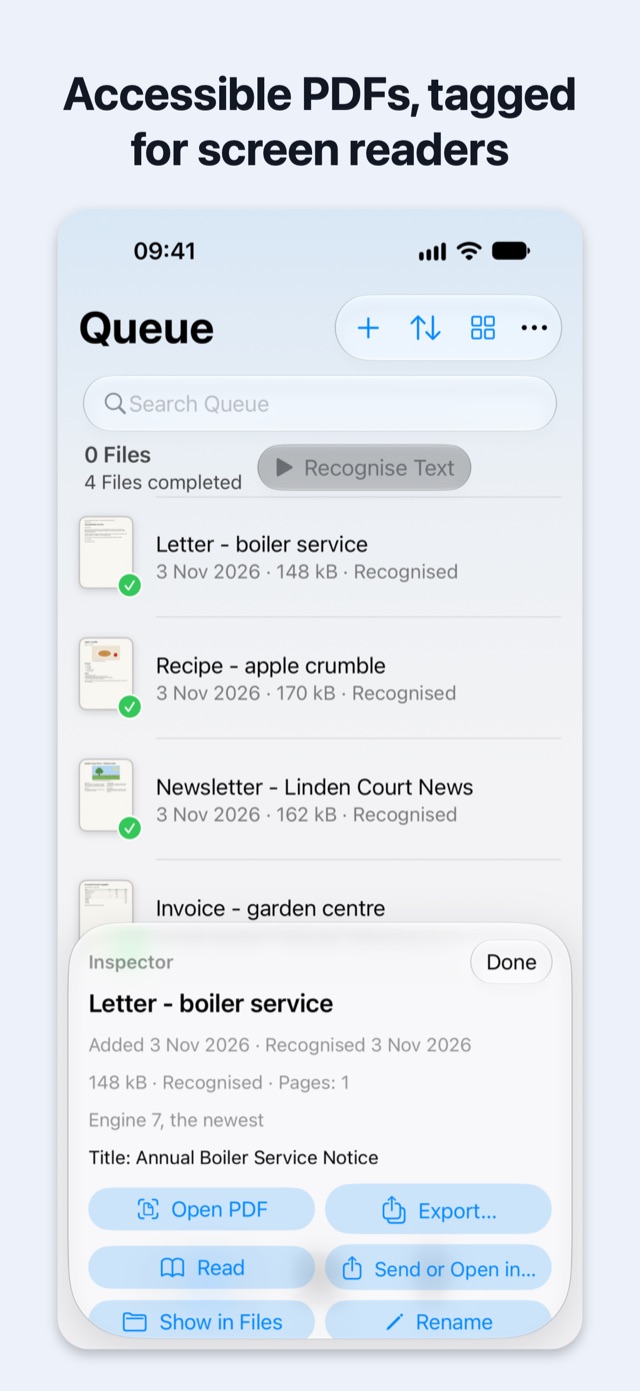
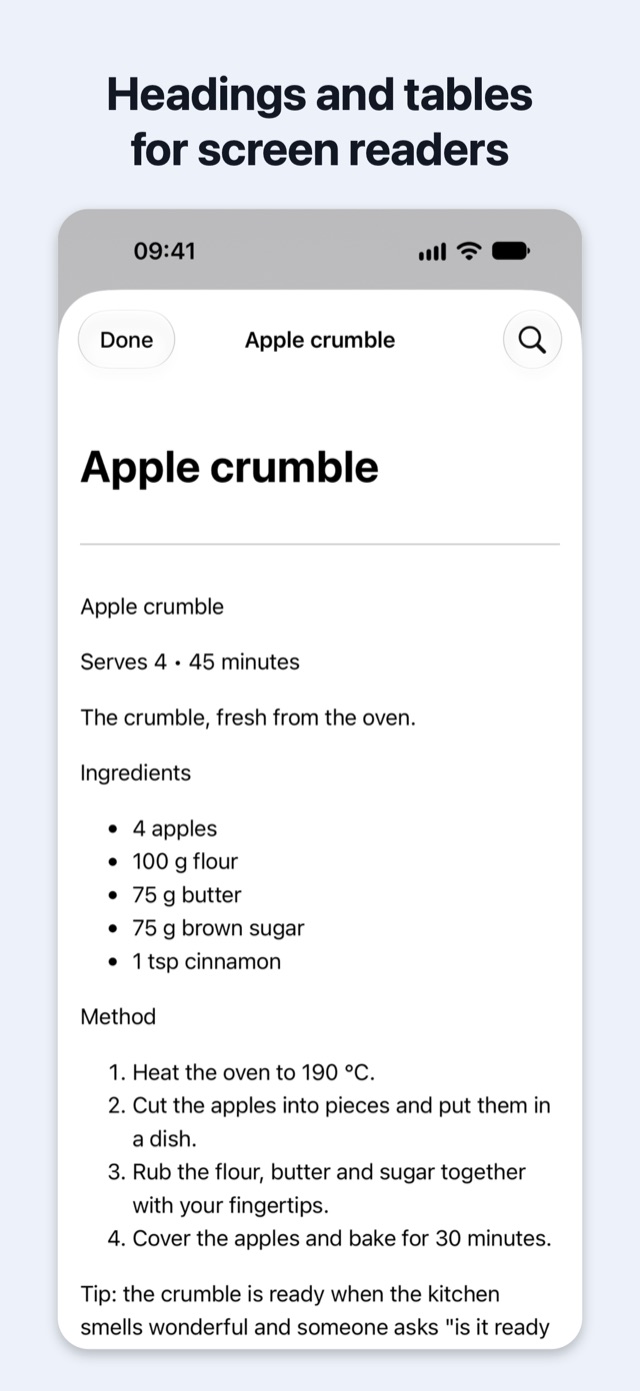
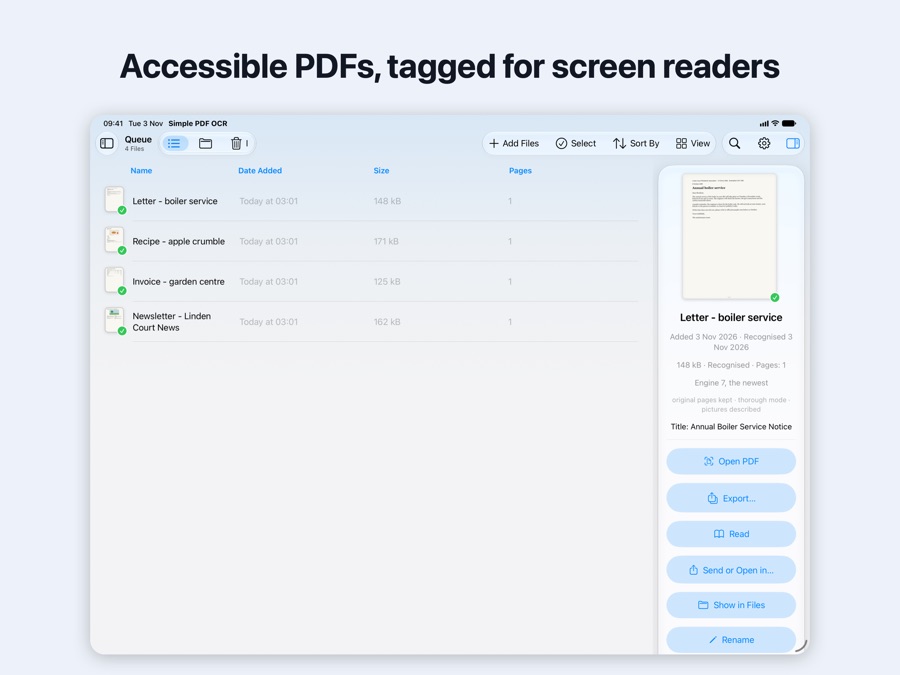
- AccessibleHeadings, paragraphs, lists and tables are tagged for screen readers.
- Picture descriptionsAnd a suggested document title, with Apple Intelligence on supported devices.
- Batch processingAdd many PDFs or whole folders at once, and add more while it works.
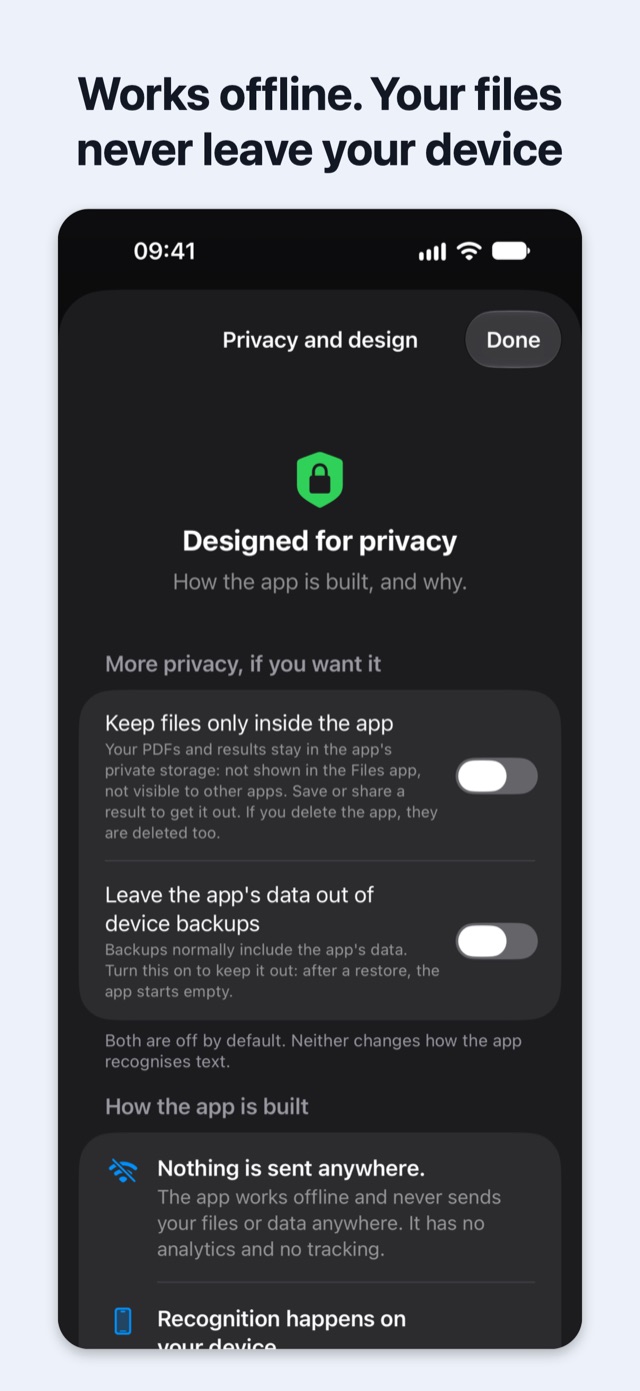
- Private by designWorks offline. Your files stay on your device. No account, no data collected.
- iPhone, iPad and MacOne app with the same features on all three.
- Shortcuts and SiriThe Make PDF Searchable action does the same job.
Support
Questions, problems or ideas? Please get in touch. Please say which device and system version you use. If a file will not recognise, describe it rather than sending it, unless you are happy to share its contents.
Common questions
- Where are my results?
- In the app's folder in the Files app (On My iPhone or On My iPad › Simple PDF OCR), and under All Files in the app. On the Mac, also in the folder you choose. If you turned on “Keep files only inside the app”, they stay in the app until you share or export them.
- Is my original file changed?
- No. The result is a separate copy; the original is never changed.
- Does it need the internet?
- No. Recognition happens entirely on your device. The App Store may install some of the app's files after the app itself, as part of the normal installation.
- Why are picture descriptions missing?
- They need Apple Intelligence, which is available on supported devices with it turned on in Settings.
- I deleted a file by mistake.
- Deleted files stay in the app's Bin for 30 days, and can be restored from there with Restore.